Food Hunt Level 911 Walkthrough & Answers
ExpertLevel 911 video solution · published September 4, 2026
Watch on YouTube →- Difficulty
- Expert
- Colours on the board
- 5
- Biggest colour
- dark grey 52.8%
- Clear from the start
- 1 colour
- This page has
- Video + step-by-step
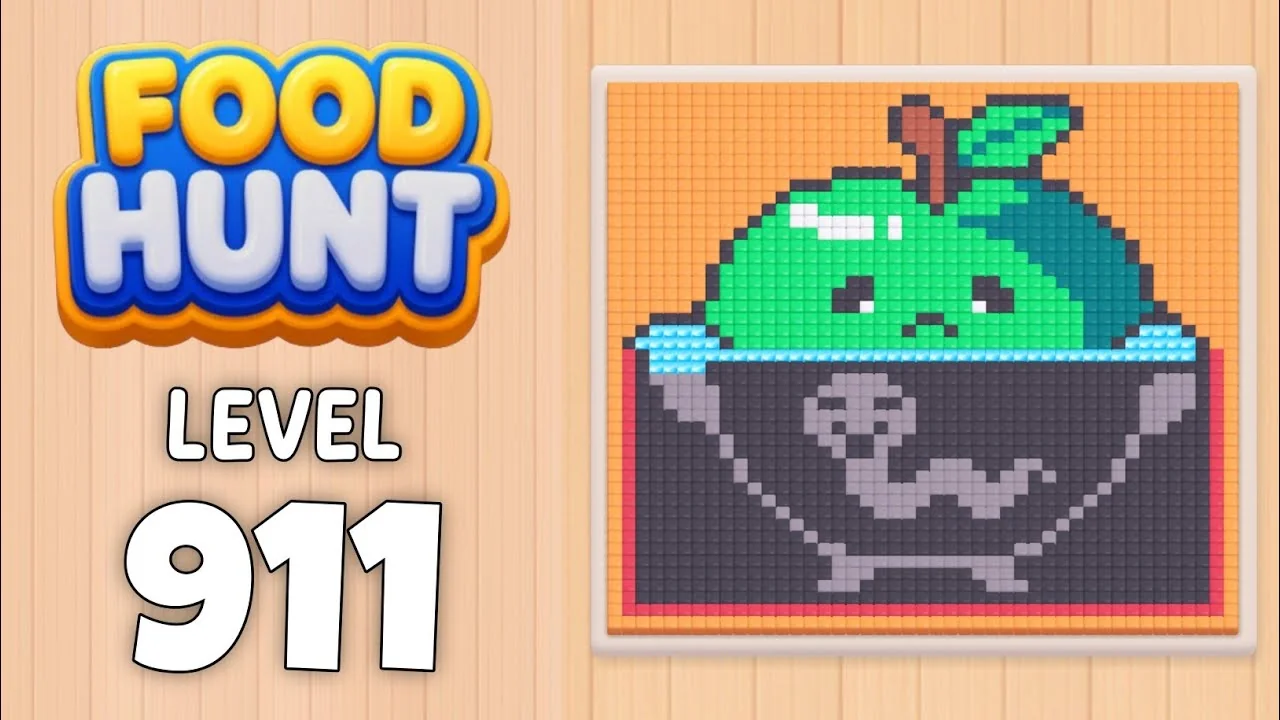
Pixel-Art Green Apple in a Dark Pot
How do you beat level 911? Watch the video or follow the step-by-step picture and text guide to complete it!

Level board
Step-by-step walkthrough
Prefer screenshots to video? Every phase of the clear is below in order, with the block counts and the frames they were taken from — keep it open next to the game and follow along tap by tap.
Level: 911 - a pixel-art green apple with a brown stem, sitting in a dark grey pot, on an orange background inside a red-bordered card
How the Level Works
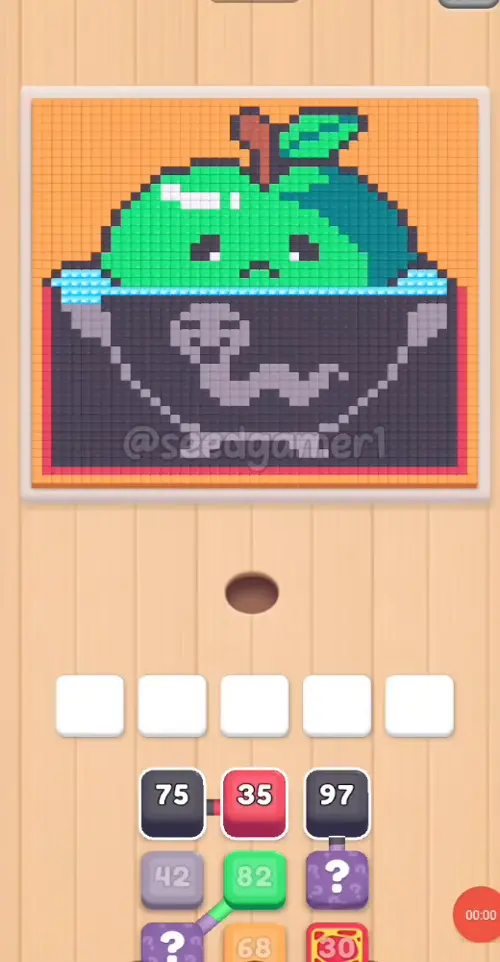
1. Tap a color block in the bottom queue to send it into one of the five slots above. The queue runs in three independent columns, three blocks deep; a column scrolls up only when its own front block is taken.
2. Ants of that color pour out of the hole and eat every reachable pixel of the matching color on the picture; the number printed on the block counts down while they work. At 0 the block vanishes and frees its slot.
3. Pixels can be walled in. A block can sit with a handful of pixels left for a minute or more while the rest of its color is buried under other colors. That is normal - the pixels fall the moment the blocking color is gone.
4. Eat the entire picture to win. There is no move limit, so the order below only decides how fast the five slots recycle. One clean run takes 4:52.
Complete Block Order (Which Color First, Then Which)
Timestamps are when the block lands in a slot. Count is the number printed on the block once it settles. The numbers below run in tap order, not by slot: each of the five slots refills many times.
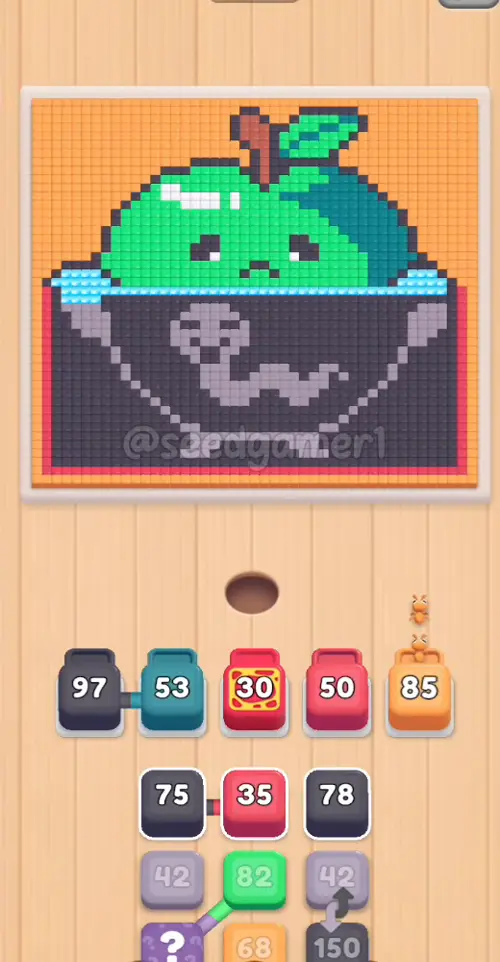
Phase 1 - All Five Slots in Four Seconds (0:03 - 0:04)
| # | Time | Color Block | Count | What It Clears |
|---|---|---|---|---|
| 1 | 0:03 | ⬛ Dark grey | 97 | the pot and the dark outline around the apple |
| 2 | 0:03 | 💠 Teal | 53 | the dark teal shading under the leaf |
| 3 | 0:03.5 | 🟥 Red | 30 | the red border around the card |
| 4 | 0:04 | 🟥 Red | 50 | the red border around the card |
| 5 | 0:04 | 🟧 Orange | 88 | the orange background |
Phase 2 - The First Logjam (0:17 - 0:22.5)
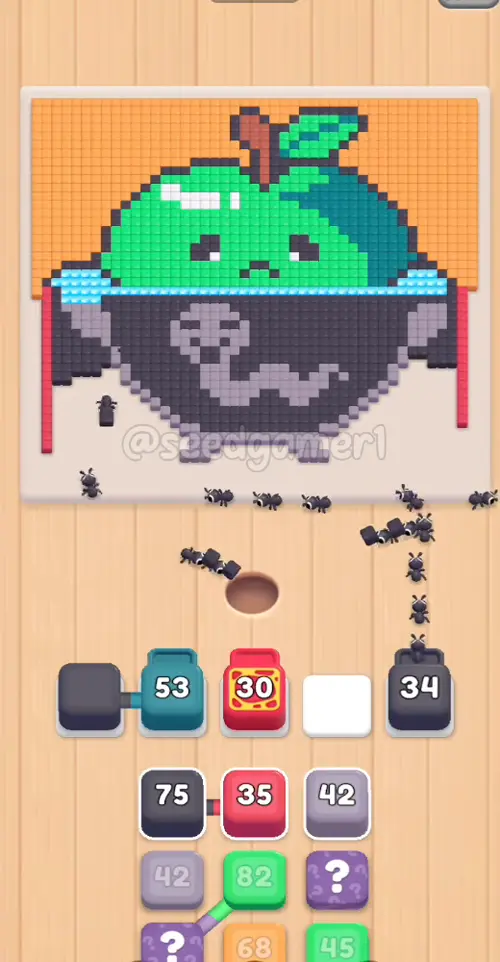
| # | Time | Color Block | Count | What It Clears |
|---|---|---|---|---|
| 6 | 0:17 | ⬛ Dark grey | 78 | the pot's dark shading |
| 7 | 0:22.5 | ⬛ Dark grey | 149 | the pot's dark shading |
Phase 3 - Breaking the Logjam (1:11.5)
| # | Time | Color Block | Count | What It Clears |
|---|---|---|---|---|
| 8 | 1:11.5 | ⬛ Dark grey | 74 | the pot |
| 9 | 1:11.5 | 🟥 Red | 34 | the red border around the card |
Phase 4 - Mauve, Green and the Third Dark Grey (1:49.5 - 1:59)
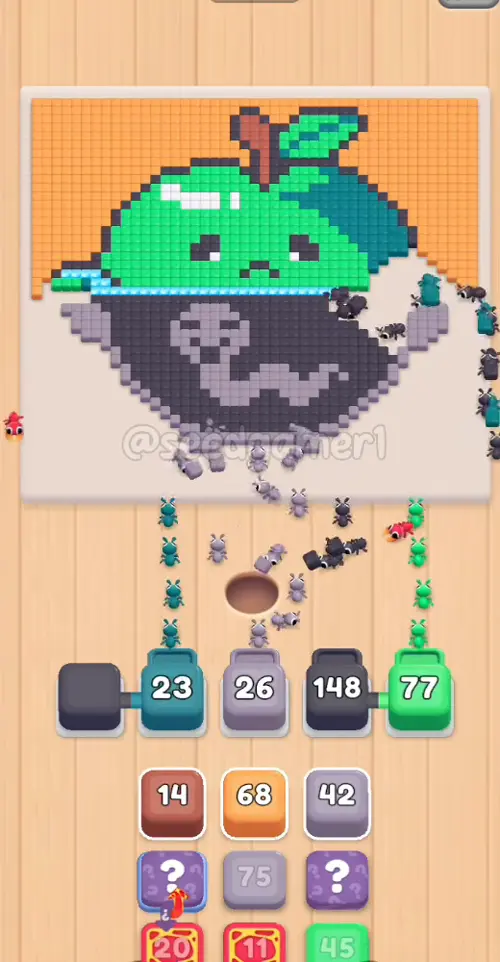
| # | Time | Color Block | Count | What It Clears |
|---|---|---|---|---|
| 10 | 1:49.5 | 🟪 Mauve | 39 | the pot's grey swirl decoration |
| 11 | 1:51 | 🟩 Green | 82 | the apple's body |
| 12 | 1:51.5 | ⬛ Dark grey | 148 | the pot |
| 13 | 1:59 | 🟫 Rust | 14 | the apple's stem |
Phase 5 - Red and Orange (2:14 - 2:15)
| # | Time | Color Block | Count | What It Clears |
|---|---|---|---|---|
| 14 | 2:14 | 🟥 Red | 19 | the red border around the card |
| 15 | 2:15 | 🟧 Orange | 72 | the orange background |
Phase 6 - Refills Right Across the Board (2:37 - 2:55)
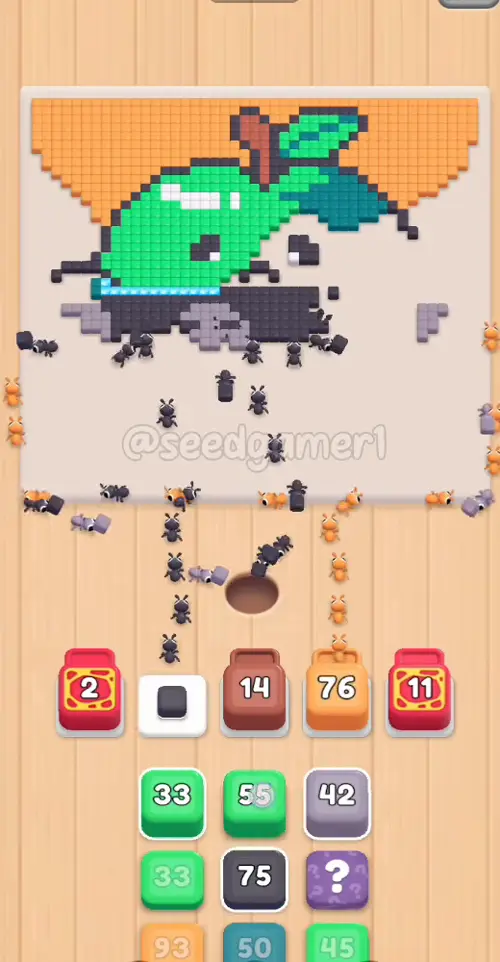
| # | Time | Color Block | Count | What It Clears |
|---|---|---|---|---|
| 16 | 2:37 | 🟪 Mauve | 73 | the pot's grey decoration |
| 17 | 2:38 | 🟥 Red | 11 | the red border around the card |
| 18 | 2:43 | ⬛ Dark grey | 60 | the pot |
| 19 | 2:52 | 🟧 Orange | 89 | the orange background |
| 20 | 2:55 | 🟩 Green | 54 | the apple's body |
Phase 7 - The Long Second Half (3:10.5 - 3:44)
| # | Time | Color Block | Count | What It Clears |
|---|---|---|---|---|
| 21 | 3:10.5 | 🟪 Mauve | 41 | the pot's grey decoration |
| 22 | 3:11.5 | 🟩 Green | 33 | the apple's body |
| 23 | 3:25 | ⬛ Dark grey | 73 | the last dark outline |
| 24 | 3:27.5 | 🟩 Green | 32 | the apple |
| 25 | 3:37 | ⬜ White | 13 | the white highlight on the apple |
| 26 | 3:40.5 | 💠 Teal | 48 | the last teal shading under the leaf |
| 27 | 3:44 | 🟩 Green | 44 | the apple |
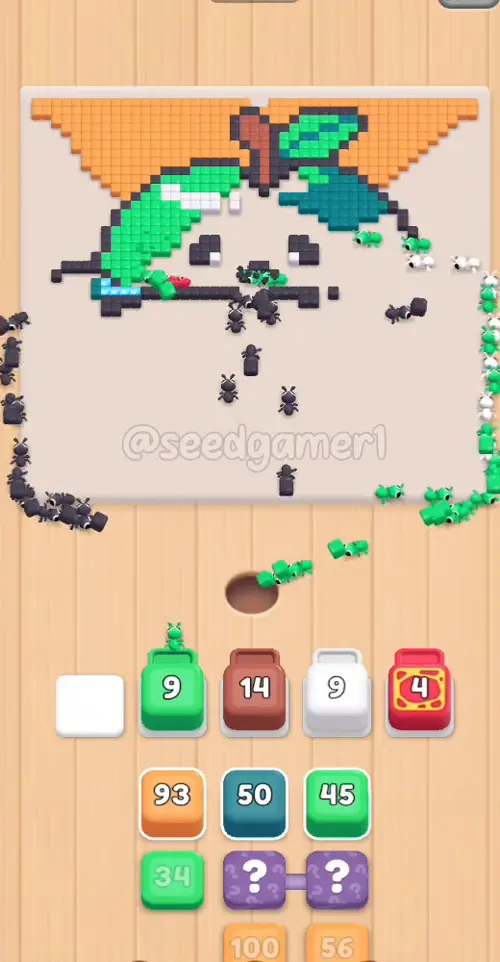
Phase 8 - The Last Six (4:02 - 4:47.5)
| # | Time | Color Block | Count | What It Clears |
|---|---|---|---|---|
| 28 | 4:02 | ⬛ Dark grey | 88 | the last dark outline |
| 29 | 4:02 | ⬛ Dark grey | 18 | the last dark outline |
| 30 | 4:07 | 🟧 Orange | 98 | the orange background |
| 31 | 4:29 | 🟧 Orange | 92 | the orange background |
| 32 | 4:30 | 🟩 Green | 34 | the apple |
| 33 | 4:47.5 | 🟧 Orange | 55 | the very last pixels of the picture |
The very last pixel to fall is Orange (4:47.5).
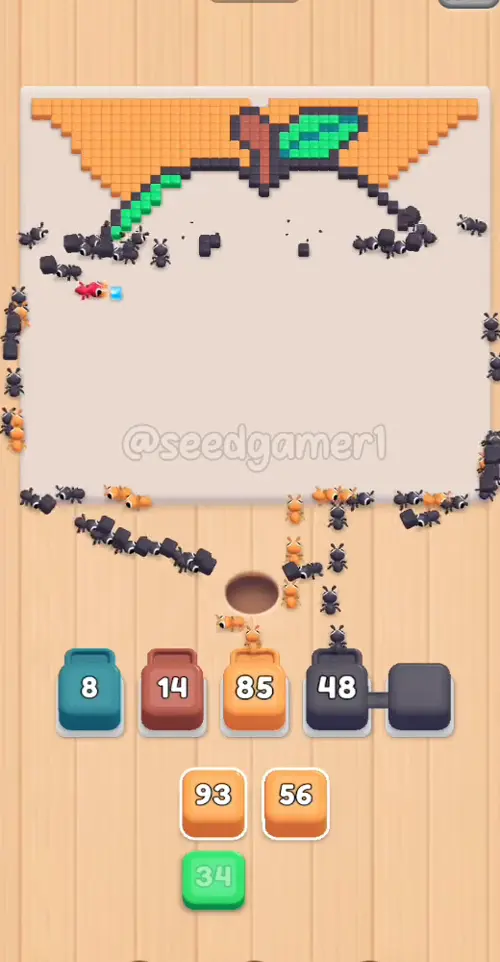
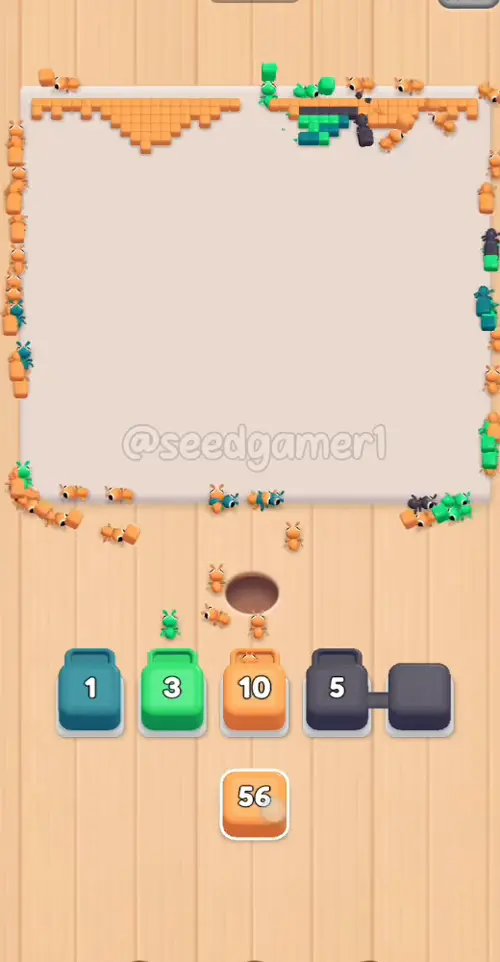
Quick Reference - One-Line Order
Dark grey 97 → Teal 53 → Red 30 → Red 50 → Orange 88 → Dark grey 78 → Dark grey 149 → Dark grey 74 → Red 34 → Mauve 39 → Green 82 → Dark grey 148 → Rust 14 → Red 19 → Orange 72 → Mauve 73 → Red 11 → Dark grey 60 → Orange 89 → Green 54 → Mauve 41 → Green 33 → Dark grey 73 → Green 32 → White 13 → Teal 48 → Green 44 → Dark grey 88 → Dark grey 18 → Orange 98 → Orange 92 → Green 34 → Orange 55
Pro Tips
1. Keep all five slots full. An empty slot is idle ants. The only long gaps in this level (0:34 - 1:11 and 3:44 - 4:02) are exactly the moments the slots ran dry.
2. Big blocks first. Orange 88, Dark grey 149, Green 82 and Dark grey 148 sit on large connected areas, drain fast and recycle their slots quickly.
3. Expect two long stalls - they are not a bug.
- Dark grey 97 (slot 1, from 0:03): its count hits 0 at 0:28 and the block then sits in the slot with no number at all until 2:13.5. The slot is unusable the whole time.
- Teal 53 (slot 2, from 0:03): frozen at 53 for most of the level, starts draining around 1:40 and leaves at 2:13.5.
- Red 30 (slot 3, from 0:03.5): frozen at 30 until it finally falls at 1:48.
- Rust 14 (slot 3, from 1:59): frozen at exactly 14 for over two minutes; it only clears at 4:29.5, after the game slides it into slot 2.
4. The queue only runs three columns deep. Every tap scrolls one column up, so tapping the same column three times empties it. Watch the three columns rather than the slot row when you plan the next tap.
5. Finale color. The last pixels of the picture are the orange background, cleared by the Orange 55 block at 4:47.5. Save one orange block for the end.
6. No fail state. There is no move limit and no timer; a clean one-run clear takes 4:52.
Colors in this level
Colors in this level: ⬛ Dark grey (the pot and the dark outline around the apple and its stem) · 💠 Teal (the dark teal shading under the apple's leaf) · 🟥 Red (the red border around the card) · 🟧 Orange (the orange background) · 🟪 Mauve (the grey-purple swirl decoration on the pot) · 🟩 Green (the apple's body) · 🟫 Rust (the apple's stem) · ⬜ White (the white highlight on the apple)
Food Hunt Level 911 — frequently asked questions
- What colours are on the Food Hunt Level 911 board?
- The board image breaks down into 5 main colours, each covering at least 2% of it: dark grey (#5C5462, 52.8% of the board), orange (#F4A358, 19.3% of the board), green (#1FE17F, 16.0% of the board), deep cyan (#1D7F7B, 7.0% of the board) and pale cyan (#9AEAF7, 4.9% of the board).
- Which colour should I clear first in Food Hunt Level 911?
- dark grey covers the most of the board at 52.8%, and orange is next at 19.3%. The step-by-step walkthrough above is this board's actual tap order; the colour shares here are only what each colour costs to clear.
- What difficulty is Level 911 in Food Hunt: Pixel Puzzle?
- Level 911 is rated Expert difficulty in Food Hunt: Pixel Puzzle.
- Is there a video walkthrough for this Food Hunt level?
- Yes — the walkthrough video on this page plays the full clear of this board, so you can follow the tap order block by block. The board image next to it shows what the finished picture is made of.
More expert walkthroughs
View all →
Featured walkthroughs
The levels players search for most - each with a full video guide.