Food Hunt Level 1357 Walkthrough & Answers
ExpertLevel 1357 video solution · published October 24, 2026
Watch on YouTube →- Difficulty
- Expert
- Colours on the board
- 8
- Biggest colour
- dark grey 23.7%
- Clear from the start
- 0 - all walled off
- This page has
- Video + step-by-step
Pixel Picture
How do you beat level 1357? Watch the video or follow the step-by-step picture and text guide to complete it!
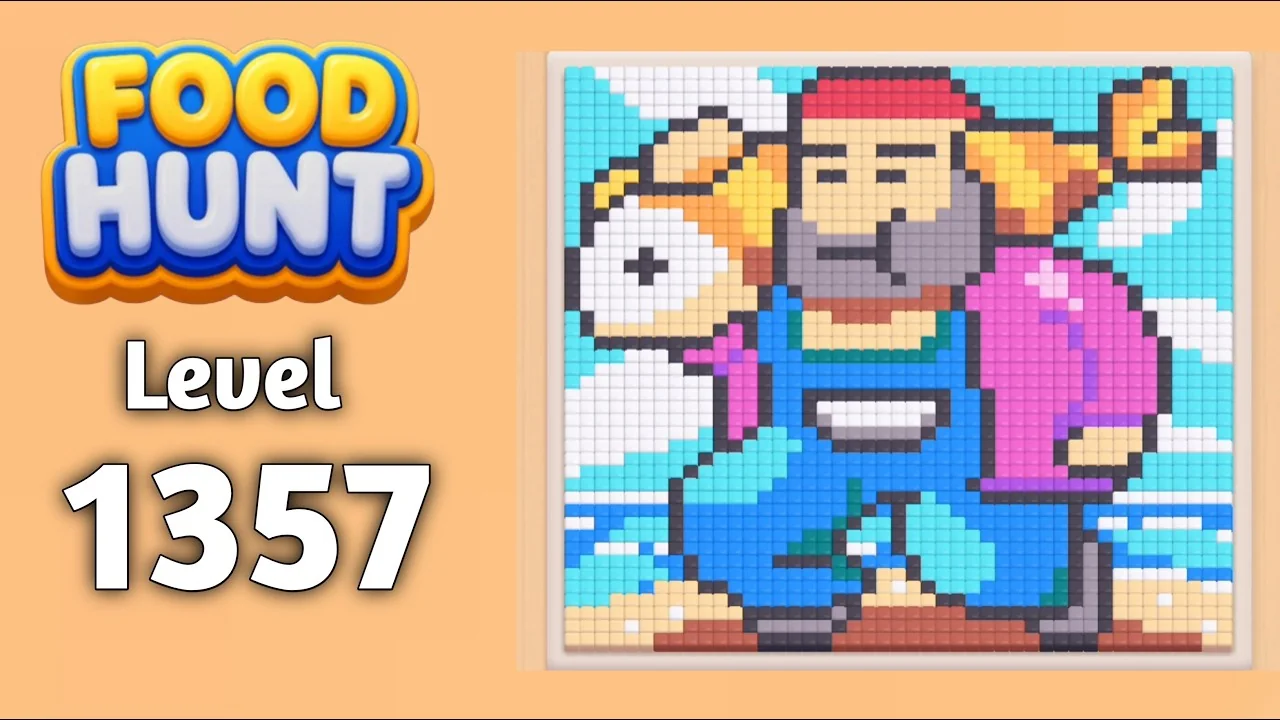
Level board
Step-by-step walkthrough
Note: every count in the tables below is read off a screen recording, and each can sit 1–3 below the number the block actually carried — add 1–3 to a count before you compare it with your own queue. The block order, the slots and the timings are unaffected.
Prefer screenshots to video? Every phase of the clear is below in order, with the block counts and the frames they were taken from — keep it open next to the game and follow along tap by tap.
Level: 1357 (EXPERT) — a colorful pixel picture on a 39×39 grid (~1,521 cells): Dark grey 24% · Blue 15% · Pale orange 13% · White 13% · Cyan 12% · Pink 11% · Orange 8% · Dark cyan 4%. This level runs the newer build of the game with a 3×3 block queue instead of the old single row.
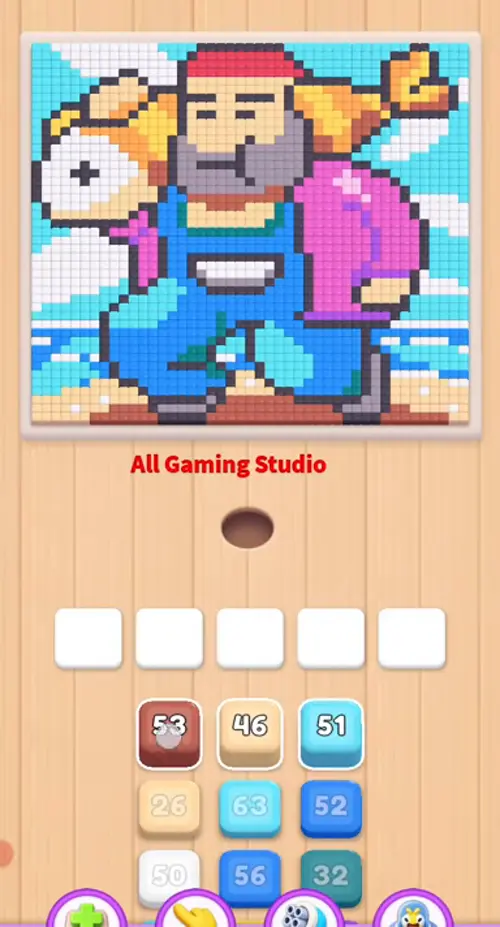
Colors in this level: ⬛ Dark grey (the biggest share of the picture) · 🟦 Blue · 🟤 Tan (the pale orange areas) · ⬜ White · 🩵 Cyan · 🩷 Pink · 🟧 Orange · 💠 Teal (the dark cyan patch) · 🟫 Brown · 🟨 Yellow · 🟪 Mauve · 🩷 Pale pink · 🟣 Purple
How the Level Works
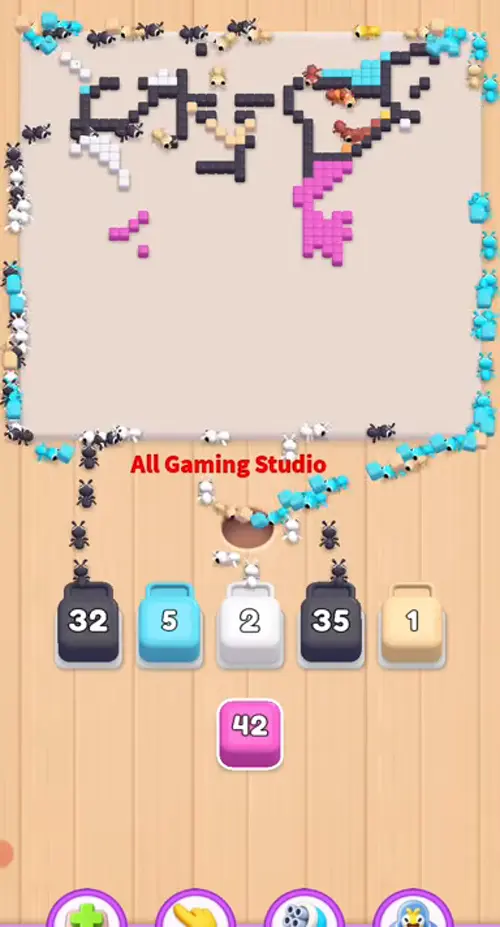
1. The queue is a 3×3 grid of blocks under the picture. Each of the three columns is a separate lane: tap the top block of a column to send it up to the picture. The middle and bottom blocks of a lane are not tappable yet.
2. When you tap a block, the rest of its column slides up one cell and a new block enters at the bottom — plan two or three blocks ahead in each lane.
3. Ants of the tapped color eat every reachable pixel of the matching color on the picture. The number on the block is the size of the area it clears.
4. Expect long waits between phases. The player sits idle 12 seconds (0:29→0:41), 19 seconds (1:02→1:21) and 24 seconds (1:53→2:18) while slow colors finish eating. The board is still working — no restart needed.
5. After the last manual tap this build plays an auto-release finale. The blocks left in the queue fly up on their own and finish the picture (3:52 → 5:00), then the "Continue" button appears at 5:10.
Complete Block Order
Timestamps = when the block leaves the queue (video time, 1x speed). Count = the block's printed value.
Phase 1 — Opening Burst (0:04–0:08)
Five quick taps empty the top of the lanes: Brown 53 opens the outline, Tan 26 and White 50 follow, and two Cyan blocks (55 and 51) start on the big cyan patches.
| # | Time | Color Block | Count |
|---|---|---|---|
| 1 | 0:04 | 🟫 Brown | 53 |
| 2 | 0:05 | 🟤 Tan | 26 |
| 3 | 0:06 | ⬜ White | 50 |
| 4 | 0:07 | 🩵 Cyan | 55 |
| 5 | 0:08 | 🩵 Cyan | 51 |
Phase 2 — Lane 3 Opens Up (0:14–0:22)
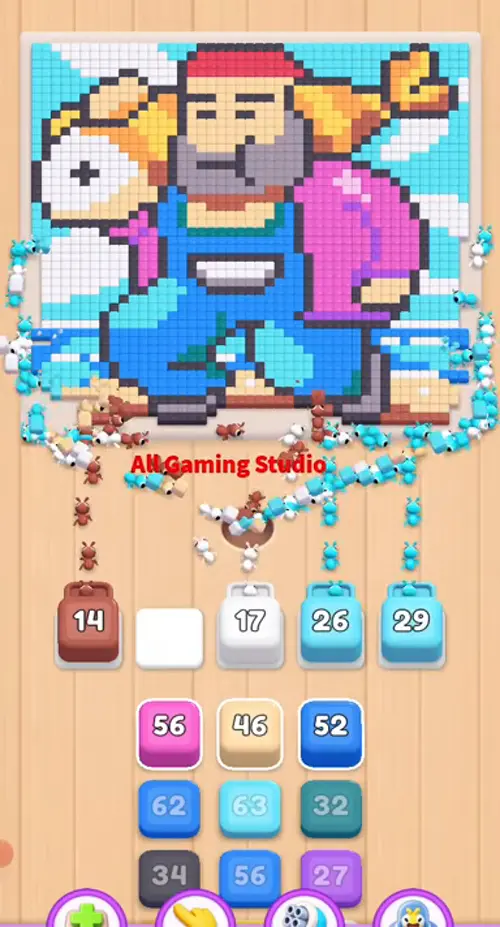
Pink 56 takes the lane at 0:14, then Blue 62 and Blue 52 bookend Dark grey 34 — the first piece of the largest color on the board.
| # | Time | Color Block | Count |
|---|---|---|---|
| 6 | 0:14 | 🩷 Pink | 56 |
| 7 | 0:18 | 🟦 Blue | 62 |
| 8 | 0:18 | ⬛ Dark grey | 34 |
| 9 | 0:22 | 🟦 Blue | 52 |
Phase 3 — Mid-Lane Clears (0:28–0:47)
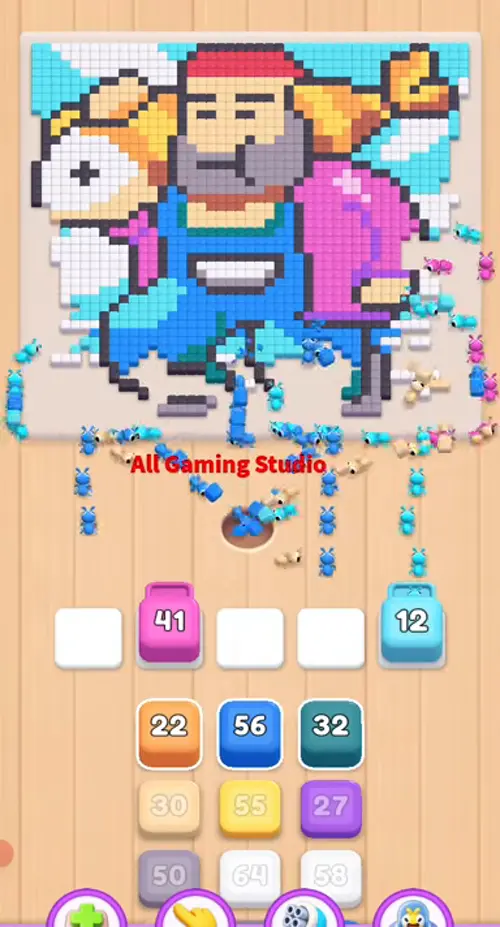
A 12-second pause while the early ants work, then five blocks in quick succession: Tan 46, the biggest early Cyan (63), Blue 56, Yellow 55, White 64 and Mauve 43 clean out the middle band of the picture.
| # | Time | Color Block | Count |
|---|---|---|---|
| 10 | 0:28 | 🟤 Tan | 46 |
| 11 | 0:29 | 🩵 Cyan | 63 |
| 12 | 0:41 | 🟦 Blue | 56 |
| 13 | 0:43 | 🟨 Yellow | 55 |
| 14 | 0:47 | ⬜ White | 64 |
| 15 | 0:47 | 🟪 Mauve | 43 |
Phase 4 — Slow Grind (0:58–1:53)
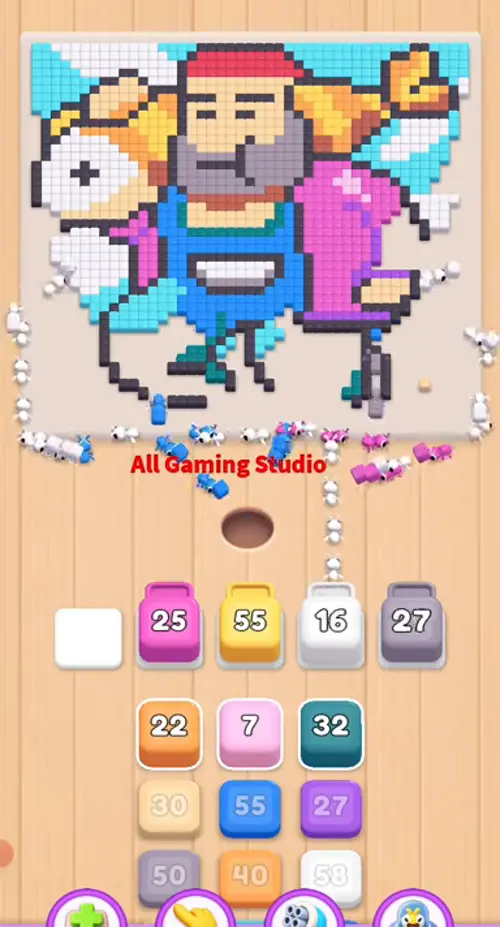
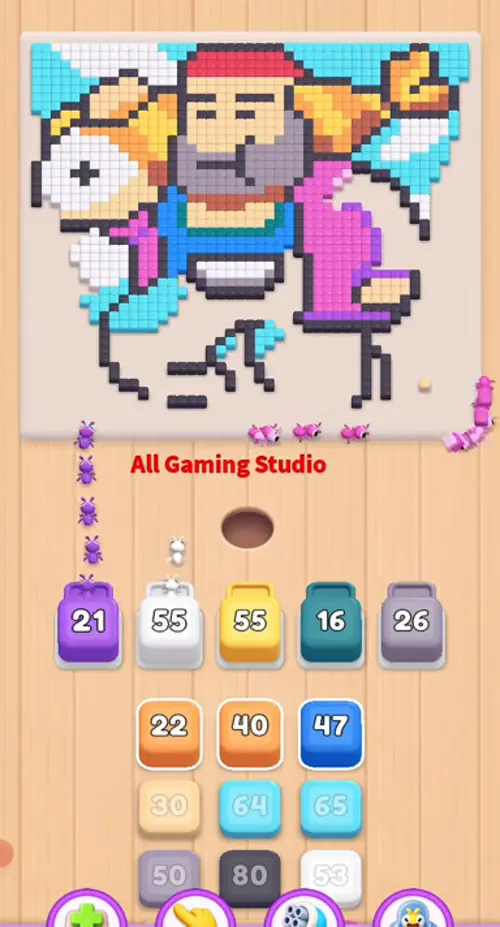
The pace drops. Pale pink 7 is a tiny cleanup, Blue 55 and Teal 32 (the dark cyan patch) work through the long 19-second stall, Purple 27 and White 58 follow, and Blue 2 lands at 1:53 — the smallest block of the run.
| # | Time | Color Block | Count |
|---|---|---|---|
| 16 | 0:58 | 🩷 Pale pink | 7 |
| 17 | 1:02 | 🟦 Blue | 55 |
| 18 | 1:21 | 💠 Teal | 32 |
| 19 | 1:39 | 🟣 Purple | 27 |
| 20 | 1:40 | ⬜ White | 58 |
| 21 | 1:53 | 🟦 Blue | 2 |
Phase 5 — The Long Haul (2:18–3:13)
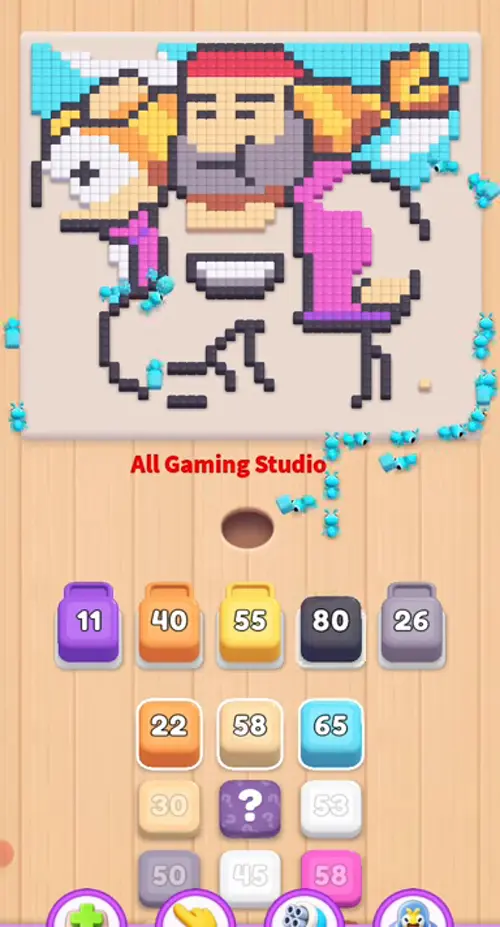
After the longest stall of the level (24 seconds), Orange 40 breaks the deadlock. Cyan 64 arrives the same second, then Dark grey 80 at 2:27 — the single biggest block of the level sweeps a quarter of the board. Cyan 65, White 53, Pink 58, Brown 40 and Dark grey 6 finish the phase.
| # | Time | Color Block | Count |
|---|---|---|---|
| 22 | 2:18 | 🟧 Orange | 40 |
| 23 | 2:18 | 🩵 Cyan | 64 |
| 24 | 2:27 | ⬛ Dark grey | 80 |
| 25 | 2:46 | 🩵 Cyan | 65 |
| 26 | 2:55 | ⬜ White | 53 |
| 27 | 3:01 | 🩷 Pink | 58 |
| 28 | 3:07 | 🟫 Brown | 40 |
| 29 | 3:13 | ⬛ Dark grey | 6 |
Phase 6 — Final Manual Blocks (3:22–3:52)
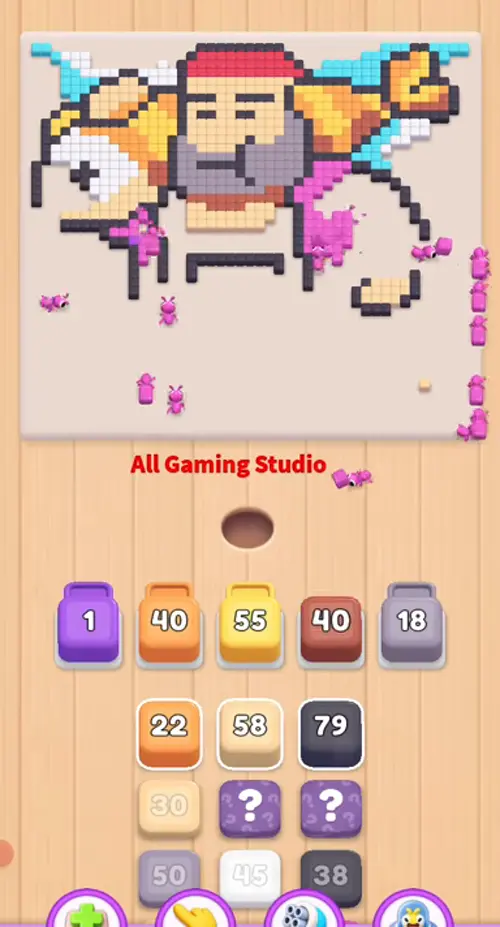
Four blocks in thirty seconds: Tan 58, Dark grey 6, Brown 32 and White 45 — the last block the player taps by hand.
| # | Time | Color Block | Count |
|---|---|---|---|
| 30 | 3:22 | 🟤 Tan | 58 |
| 31 | 3:31 | ⬛ Dark grey | 6 |
| 32 | 3:45 | 🟫 Brown | 32 |
| 33 | 3:52 | ⬜ White | 45 |
Finale — Auto-Release (3:52–5:00)
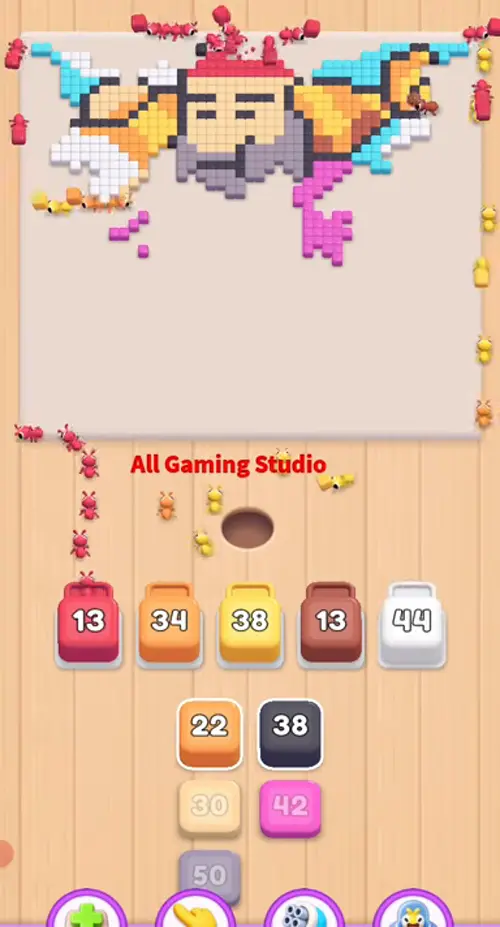
After block #33 the player stops tapping. The five blocks left in the queue (Orange 22, Tan 30, Mauve 50, Dark grey 38, Pink 42) fly up on their own, the game feeds a few extra auto blocks, and the picture empties block by block over the next 68 seconds. The very last pixel to fall is Pink (5:00) — the board clears and the "Continue" button appears at 5:10.
Quick Reference — One-Line Order
Brown 53 → Tan 26 → White 50 → Cyan 55 → Cyan 51 → Pink 56 → Blue 62 → Dark grey 34 → Blue 52 → Tan 46 → Cyan 63 → Blue 56 → Yellow 55 → White 64 → Mauve 43 → Pale pink 7 → Blue 55 → Teal 32 → Purple 27 → White 58 → Blue 2 → Orange 40 → Cyan 64 → Dark grey 80 → Cyan 65 → White 53 → Pink 58 → Brown 40 → Dark grey 6 → Tan 58 → Dark grey 6 → Brown 32 → White 45 → (auto-release: Orange 22 · Tan 30 · Mauve 50 · Dark grey 38 · Pink 42)
Pro Tips
1. Tap the top of a lane, not the middle. Only the top block of each of the three queue columns can be sent; the rest of the column slides up after every tap.
2. Feed the two big Cyan blocks early. Cyan covers ~12% of the picture in several patches; blocks #4, #5 and #11 (55 + 51 + 63) clear most of it before the mid-game grind starts.
3. Dark grey is the biggest color (24%) — save the ×80 block for 2:27. Dark grey 34 at 0:18 opens the outline, then the ×80 at 2:27 sweeps the bulk in one go.
4. Small blocks are cleanup, not waste. Blue 2 (1:53), Dark grey 6 (3:13) and Dark grey 6 (3:31) look tiny, but they each unblock a pocket the finale depends on.
5. The finale plays itself. Once the last manual block (White 45 at 3:52) is in, put the phone down: the queue auto-releases and Pink lands the final pixel at 5:00.
Compiled from frame-by-frame video analysis: 1,868 queue frames @ 6 fps, the 3×3 queue grid tracked programmatically on every frame, every tap confirmed by the column slide-up movement and cross-checked by two independent detectors. Clear time 5:00, Level Complete 5:10.
Food Hunt Level 1357 — frequently asked questions
- What colours are on the Food Hunt Level 1357 board?
- The board image breaks down into 8 main colours, each covering at least 2% of it: dark grey (#6C626F, 23.7% of the board), blue (#2B93F8, 15.1% of the board), pale orange (#F8D89B, 13.2% of the board), white (#F2EEF6, 12.6% of the board), cyan (#64E2F2, 12.5% of the board), pink (#DF64CC, 11.4% of the board), orange (#DE835C, 7.9% of the board) and dark cyan (#2987A3, 3.6% of the board).
- Which colour should I clear first in Food Hunt Level 1357?
- dark grey covers the most of the board at 23.7%, and blue is next at 15.1%. The step-by-step walkthrough above is this board's actual tap order; the colour shares here are only what each colour costs to clear.
- What difficulty is Level 1357 in Food Hunt: Pixel Puzzle?
- Level 1357 is rated Expert difficulty in Food Hunt: Pixel Puzzle.
- Is there a video walkthrough for this Food Hunt level?
- Yes — the walkthrough video on this page plays the full clear of this board, so you can follow the tap order block by block. The board image next to it shows what the finished picture is made of.
More expert walkthroughs
View all →
Featured walkthroughs
The levels players search for most - each with a full video guide.