Food Hunt Level 745 Walkthrough
ExpertRubber Duck in the Rain
How do you beat level 745? Watch the video or follow the step-by-step picture and text guide to complete it!

Level board
Step-by-step walkthrough
Prefer screenshots to video? Every phase of the clear is below in order, with the block counts and the frames they were taken from — keep it open next to the game and follow along tap by tap.
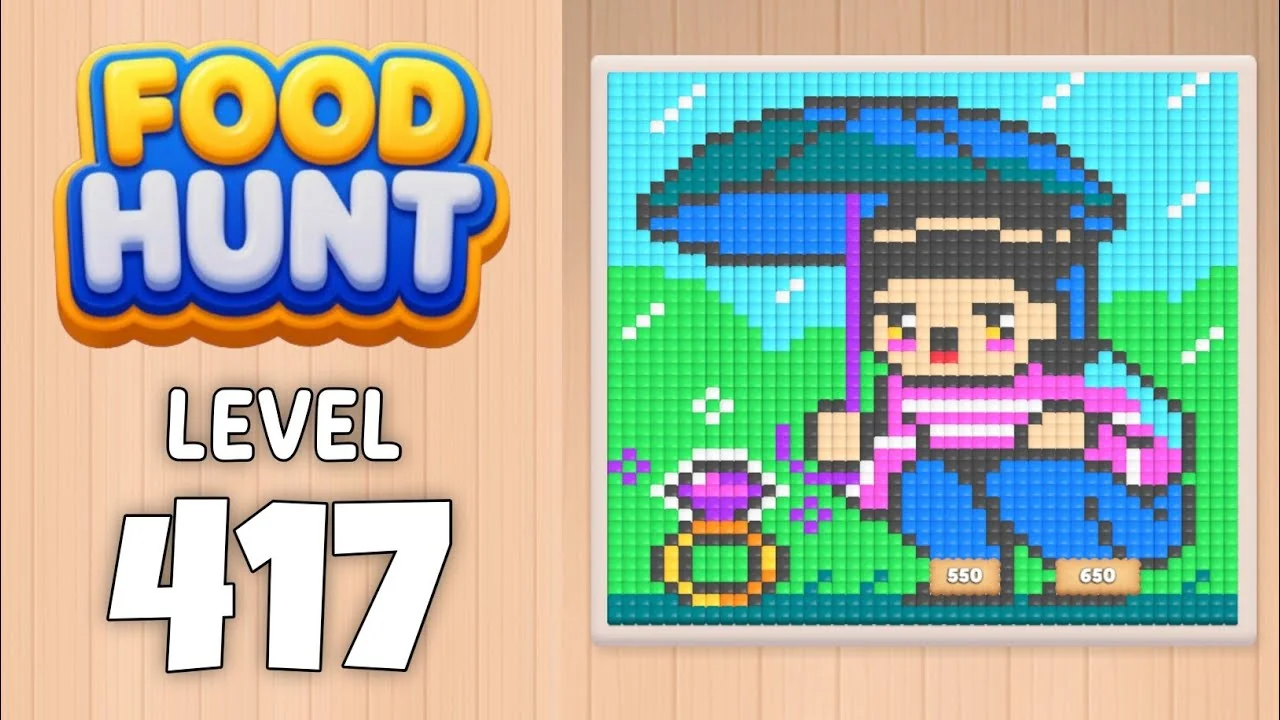
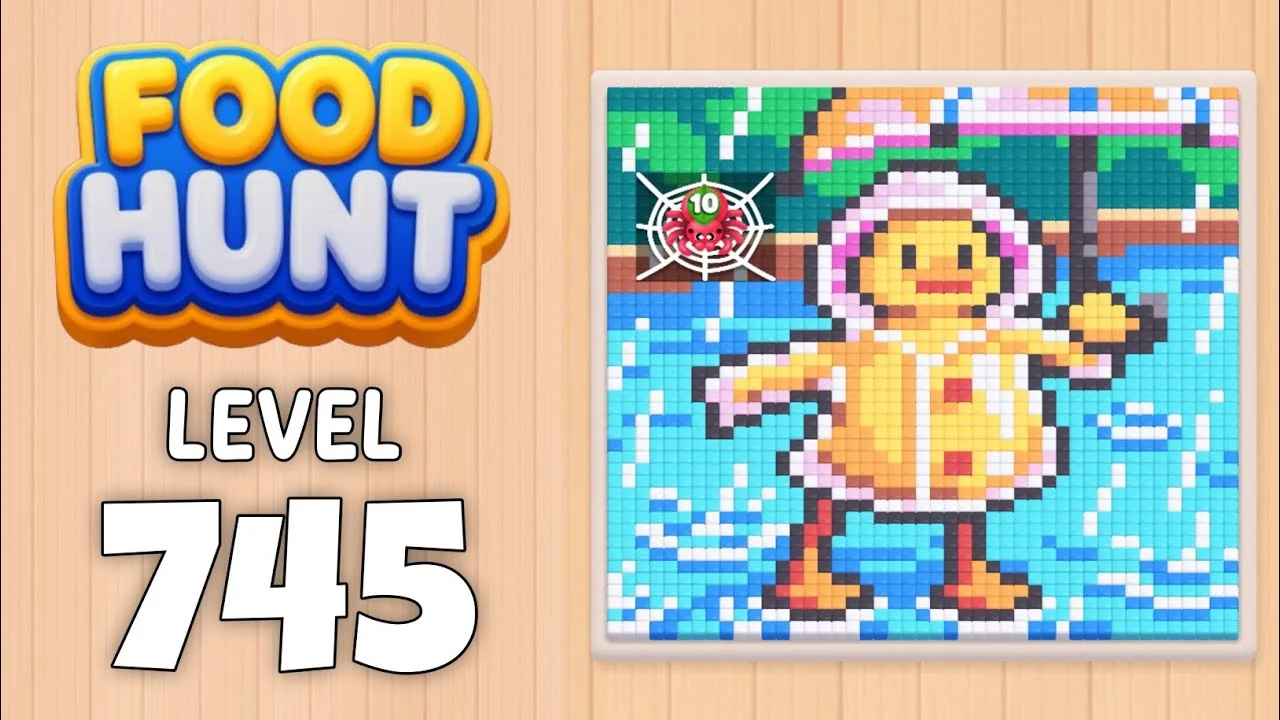
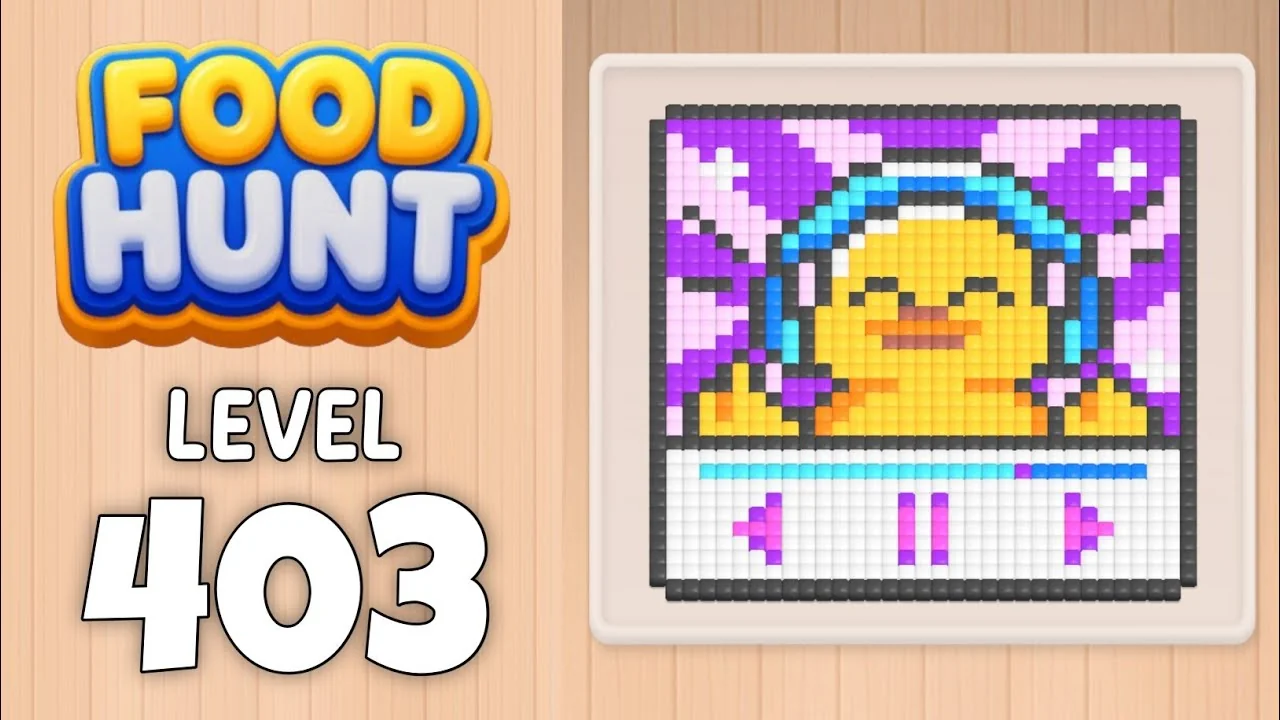
Level: 745 — a pixel-art yellow rubber duck sheltering under a pink umbrella beside a teal pond, on a plank wall with green trees and tiny pink flowers (an EXTREME Level)
How the Level Works
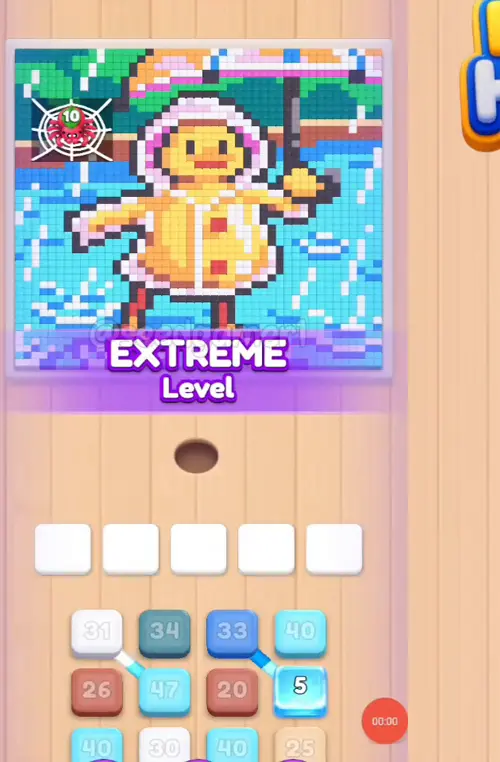
1. Tap a color block in the bottom queue to send it into one of the five slots above the hole. Slots fill from the left. The queue runs in four independent columns of three visible blocks each: a column only scrolls up when its own front block is taken, so the block you want is not always in the leftmost column.
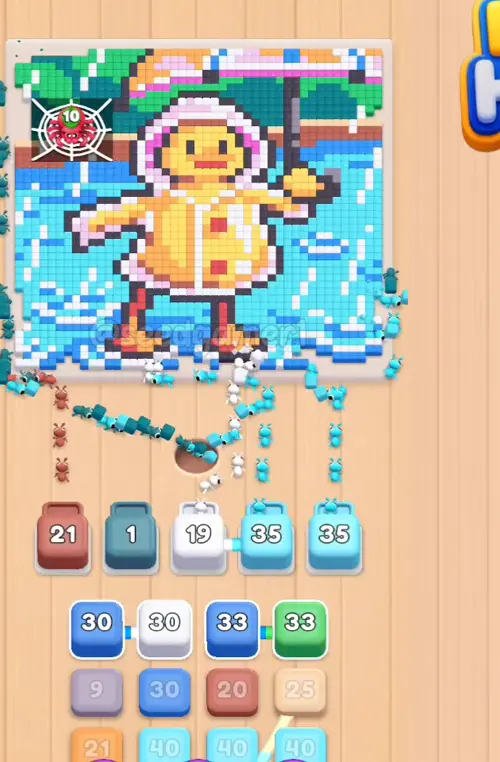
2. Ants of that color pour out of the hole and eat every reachable pixel of the matching color; the number printed on the block counts down while they work. At 0 the block vanishes and frees its slot.
3. A block lands already holding its own slice of the count. Feed a second block of a color that is still on the board and the two share the same pool of pixels, each carrying its own starting number.
4. Pixels can be walled in. A block can sit with a handful of pixels left for minutes while the rest of its color is buried under other colors. That is normal — those pixels fall the moment the blocking color is gone.
5. Two of the 65 blocks land unmarked. At 1:23 and again at 1:32 a plain white block seats itself with no number printed on it at all, and the game never reveals one. They are real blocks — same body and side handle as a numbered white block — so their Count cells below show a dash.
6. Eat the entire picture to win. There is no move limit, so the order below only decides how fast the slots recycle. One clean run places all 65 blocks and the board is empty by about 8:49.5.
Complete Block Order (Which Color First, Then Which)
Timestamps are when the block lands in a slot (video time). Count is the number printed on the block as it settles, read off the landing frame and cross-checked three frames later.
Phase 1 — The Opening Six (0:03.5 – 0:13)
| # | Time | Color Block | Count |
|---|---|---|---|
| 1 | 0:03.5 | 🩵 Cyan | 37 |
| 2 | 0:04 | 💠 Dark teal | 33 |
| 3 | 0:11.5 | ⬜ White | 29 |
| 4 | 0:11.5 | 🩵 Cyan | 45 |
| 5 | 0:12.5 | 🟫 Rust | 24 |
| 6 | 0:13 | 🩵 Cyan | 38 |
Phase 2 — The First Recycling (0:21.5 – 0:30)
| # | Time | Color Block | Count |
|---|---|---|---|
| 7 | 0:21.5 | 🟦 Blue | 33 |
| 8 | 0:21.5 | 🟩 Green | 33 |
| 9 | 0:23 | 🟦 Blue | 29 |
| 10 | 0:23 | ⬜ White | 29 |
| 11 | 0:30 | 🩵 Cyan | 39 |
Phase 3 — Rust, Sand and the First Orange (0:49 – 0:59)
| # | Time | Color Block | Count |
|---|---|---|---|
| 12 | 0:49 | 🟫 Rust | 20 |
| 13 | 0:49.5 | 🩵 Cyan | 39 |
| 14 | 0:50 | ⬜ White | 29 |
| 15 | 0:50 | 🟨 Sand | 24 |
| 16 | 0:53 | 🟧 Orange | 35 |
| 17 | 0:59 | 💠 Dark teal | 38 |
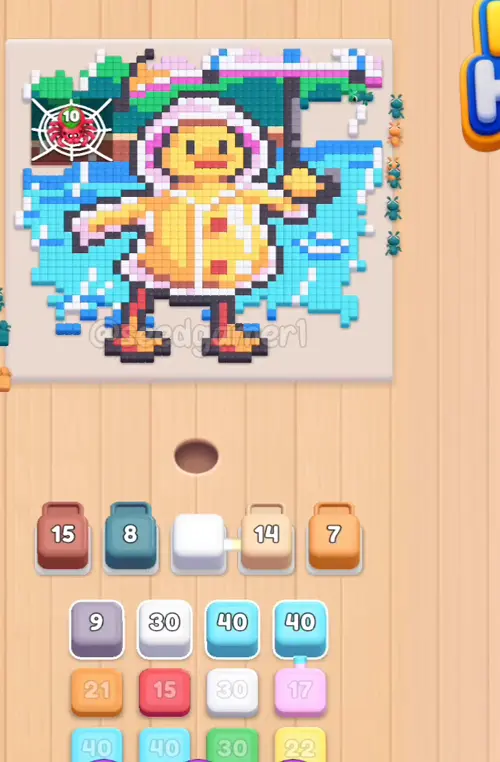
Phase 4 — A Full House of White (1:23 – 1:32)
| # | Time | Color Block | Count |
|---|---|---|---|
| 18 | 1:23 | 🩵 Cyan | 38 |
| 19 | 1:23 | ⬜ White | — |
| 20 | 1:23.5 | ⬜ White | 29 |
| 21 | 1:32 | ⬜ White | — |
| 22 | 1:32 | 🟨 Sand | 14 |
| 23 | 1:32 | 🩵 Cyan | 39 |
| 24 | 1:32 | 🩷 Pink | 17 |
Two of these seven blocks land unmarked — steps 19 and 21 are plain white blocks with no printed number, and the game never reveals one. Step 21's block holds slot 2 from 1:32 until 6:45.5, so the level runs on four working slots for five minutes and fourteen seconds.
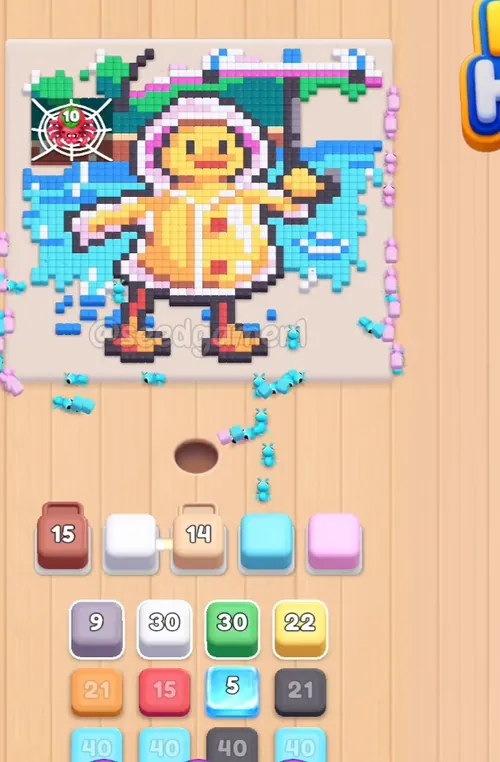
Phase 5 — Slot Four Starts Churning (1:41.5 – 2:04.5)
| # | Time | Color Block | Count |
|---|---|---|---|
| 25 | 1:41.5 | 🟩 Green | 30 |
| 26 | 1:42 | 🟨 Sand | 22 |
| 27 | 1:52.5 | ⬛ Dark grey | 19 |
| 28 | 1:57 | 🩵 Cyan | 38 |
| 29 | 2:04.5 | 🟦 Blue | 30 |
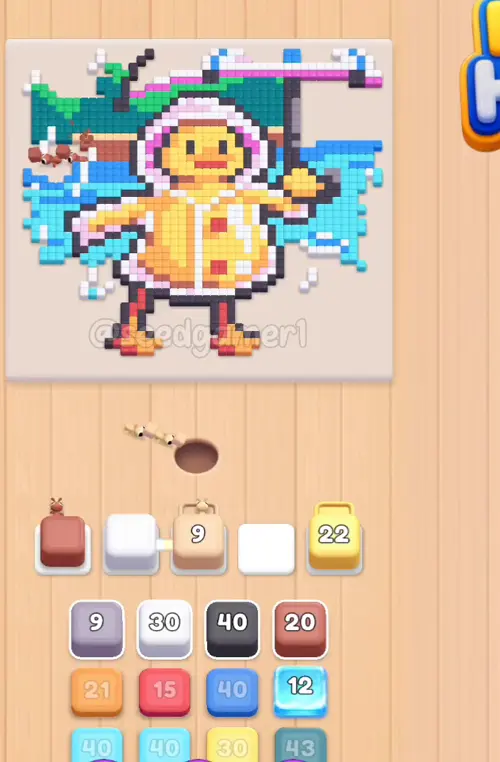
Phase 6 — The Long Hold (2:30 – 3:19.5)
| # | Time | Color Block | Count |
|---|---|---|---|
| 30 | 2:30 | 🟪 Mauve | 9 |
| 31 | 2:31 | 🟧 Orange | 20 |
| 32 | 2:42.5 | 🩵 Cyan | 40 |
| 33 | 2:52.5 | 🩷 Pink | 17 |
| 34 | 3:13.5 | ⬜ Off-white | 29 |
| 35 | 3:19.5 | 🟥 Red | 15 |
Phase 7 — Skimming the Middle (3:28 – 4:35.5)
| # | Time | Color Block | Count |
|---|---|---|---|
| 36 | 3:28 | 🩵 Cyan | 39 |
| 37 | 3:39 | ⬛ Dark grey | 40 |
| 38 | 4:03 | ⬜ White | 40 |
| 39 | 4:20 | 🟦 Blue | 39 |
| 40 | 4:20.5 | 🟨 Sand | 30 |
| 41 | 4:35.5 | 🟫 Rust | 19 |
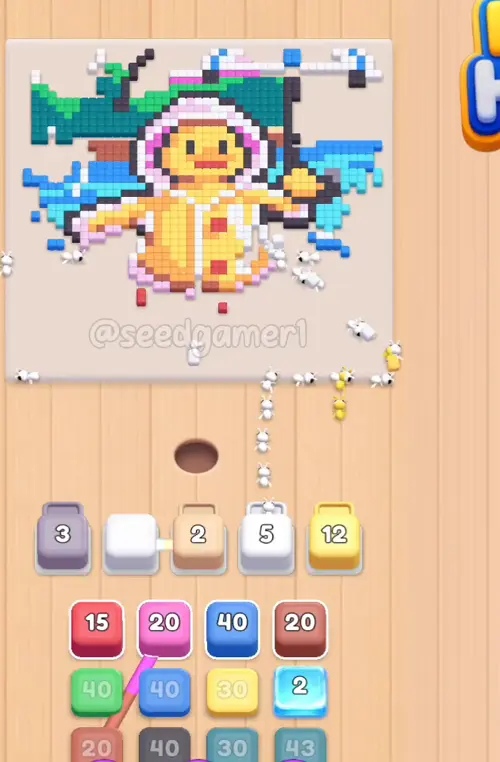
Phase 8 — The Big Middle Blocks (4:48 – 5:24)
| # | Time | Color Block | Count |
|---|---|---|---|
| 42 | 4:48 | 🟧 Orange | 40 |
| 43 | 5:01 | 💠 Dark teal | 43 |
| 44 | 5:02.5 | ⬜ Off-white | 49 |
| 45 | 5:22.5 | 🩷 Pale pink | 25 |
| 46 | 5:24 | 🩵 Cyan | 60 |
Phase 9 — The Queue Runs Thin (5:43 – 6:16.5)
| # | Time | Color Block | Count |
|---|---|---|---|
| 47 | 5:43 | 🟥 Red | 15 |
| 48 | 5:43.5 | 🟩 Green | 40 |
| 49 | 5:45 | 🩵 Cyan | 7 |
| 50 | 6:16.5 | 💠 Dark teal | 29 |
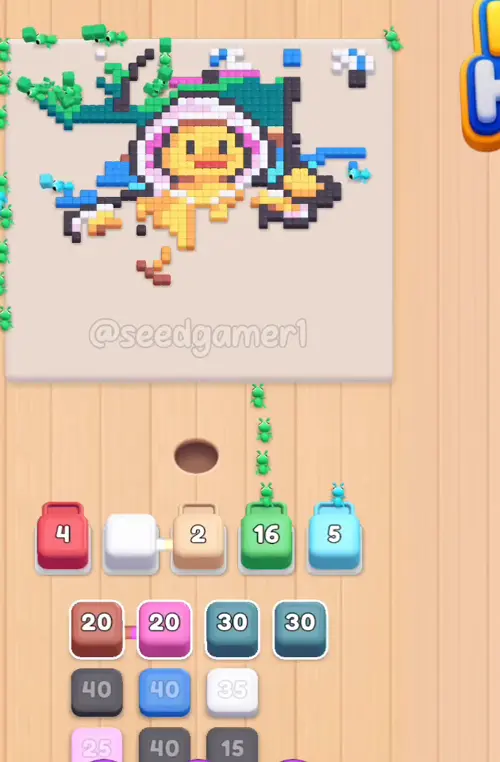
Phase 10 — The Jam Breaks (6:47 – 7:07)
| # | Time | Color Block | Count |
|---|---|---|---|
| 51 | 6:47 | 🟫 Rust | 18 |
| 52 | 6:47 | 🩷 Pale pink | 18 |
| 53 | 6:48 | ⬛ Dark grey | 38 |
| 54 | 7:01.5 | 🟦 Blue | 39 |
| 55 | 7:07 | ⬛ Dark grey | 39 |
Phase 11 — Winding Down (7:26.5 – 8:12)
| # | Time | Color Block | Count |
|---|---|---|---|
| 56 | 7:26.5 | 🟨 Sand | 40 |
| 57 | 7:38 | ⬜ Off-white | 35 |
| 58 | 7:51 | ⬜ Off-white | 35 |
| 59 | 8:04.5 | 🩷 Pale pink | 25 |
| 60 | 8:12 | ⬜ Off-white | 9 |
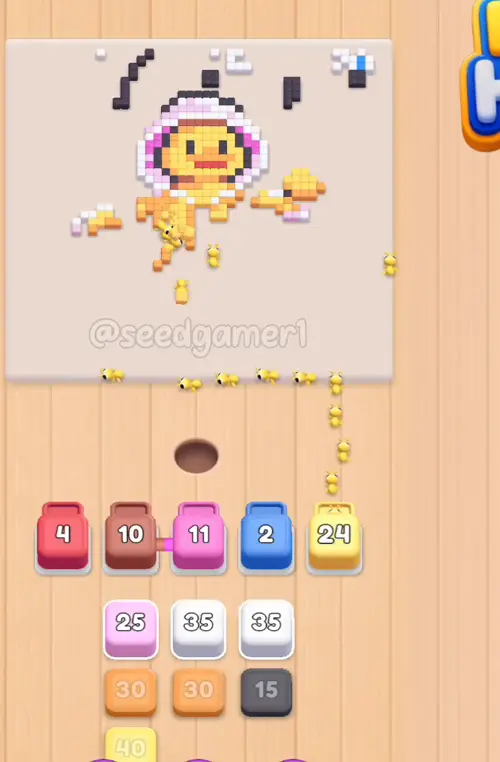
Phase 12 — The Final Five (8:29 – 8:40)
| # | Time | Color Block | Count |
|---|---|---|---|
| 61 | 8:29 | 🟧 Orange | 28 |
| 62 | 8:34 | ⬛ Dark grey | 14 |
| 63 | 8:37.5 | 🟨 Sand | 38 |
| 64 | 8:40 | ⬛ Dark grey | 38 |
| 65 | 8:40 | 🟧 Orange | 30 |
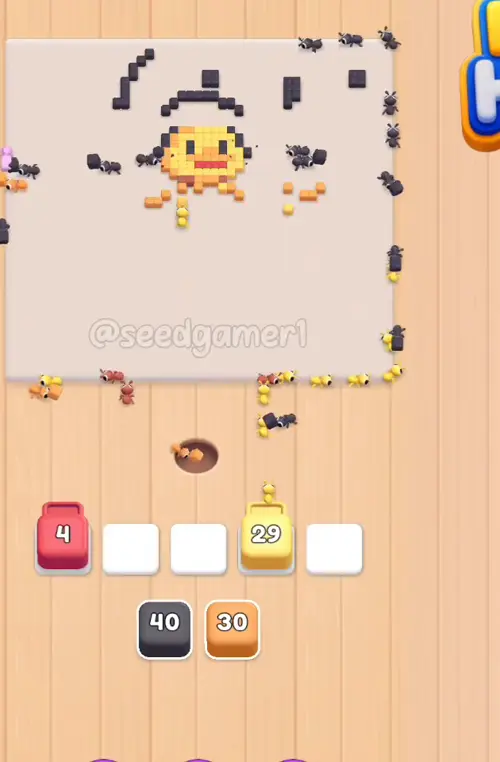
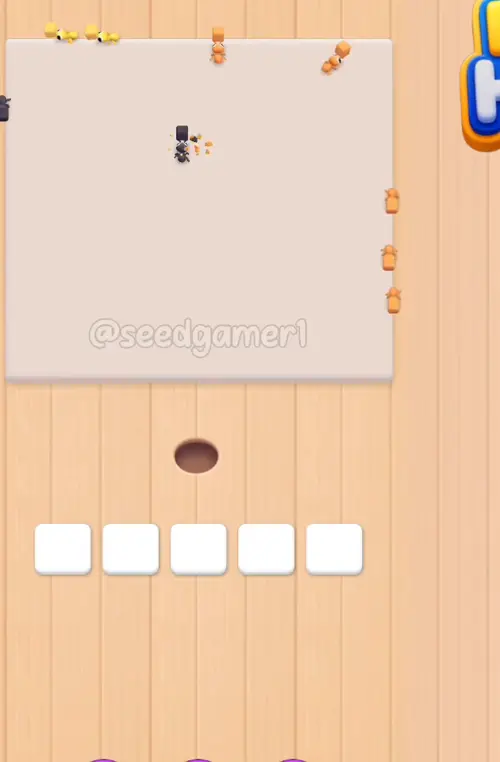
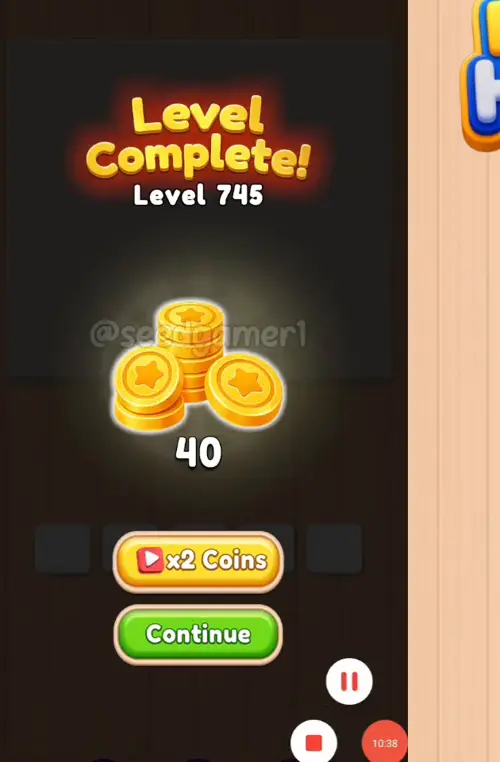
The very last pixel to fall is Orange: the board is completely empty at about 8:49.5, and the Level Complete screen appears at 8:51.
Quick Reference — One-Line Order
Cyan 37 → Dark teal 33 → White 29 → Cyan 45 → Rust 24 → Cyan 38 → Blue 33 → Green 33 → Blue 29 → White 29 → Cyan 39 → Rust 20 → Cyan 39 → White 29 → Sand 24 → Orange 35 → Dark teal 38 → Cyan 38 → White (unmarked) → White 29 → White (unmarked) → Sand 14 → Cyan 39 → Pink 17 → Green 30 → Sand 22 → Dark grey 19 → Cyan 38 → Blue 30 → Mauve 9 → Orange 20 → Cyan 40 → Pink 17 → Off-white 29 → Red 15 → Cyan 39 → Dark grey 40 → White 40 → Blue 39 → Sand 30 → Rust 19 → Orange 40 → Dark teal 43 → Off-white 49 → Pale pink 25 → Cyan 60 → Red 15 → Green 40 → Cyan 7 → Dark teal 29 → Rust 18 → Pale pink 18 → Dark grey 38 → Blue 39 → Dark grey 39 → Sand 40 → Off-white 35 → Off-white 35 → Pale pink 25 → Off-white 9 → Orange 28 → Dark grey 14 → Sand 38 → Dark grey 38 → Orange 30
Pro Tips
1. Keep all five slots full. The picture is cleared by volume, not by order, so the only real waste is an idle slot. The moment a block hits zero, tap the next one from whichever queue column is ready.
2. Slot 4 does the heavy lifting. 28 of the 65 blocks pass through slot 4, against 17 in slot 5 and only 5 in slot 1. Expect to feed slot 4 over and over through the middle of the level.
3. Slot 1 is the slow lane. It is held end-to-end by just three blocks: Rust 20 from 0:49 to 2:29.5 (101 seconds), Mauve 9 from 2:30 to 5:39.5 (190 seconds) and Red 15 from 5:43 to 8:44.5 (182 seconds).
4. Slot 2 is out of action from 1:32 to 6:45.5. The unmarked white block turns the middle five minutes into a four-slot game. Plan your biggest blocks for that stretch, because you cannot afford two slow blocks side by side.
5. Cyan is the biggest colour of the level. Twelve Cyan blocks carry 459 pixels between them, four times any other colour. Any time a Cyan block is available, it is a safe tap.
6. Small numbers are the slow ones. Cyan 7 (step 49) needs 80 seconds, Pale pink 18 (step 52) needs 110, Rust 18 (step 51) needs 112 and Mauve 9 (step 30) needs 190. The genuinely big blocks — Cyan 60, Off-white 49, Dark teal 43 — mostly finish faster than those.
7. Two quiet stretches. Nothing new lands between 6:16.5 and 6:47, or between 7:07 and 7:26.5. That is the level waiting on pixels that are still buried, not a missed tap.
8. Finale. The last block you place is Orange 30 at 8:40 and the last pixel on the board is also Orange, eaten at 8:49.5. All 65 blocks were used, with no failed taps.
Colors in this level
Colors in this level: ⬛ Dark grey (the duck's ink outline and its eyes) · ⬜ White (the umbrella ribs and the pale highlights) · ⬜ Off-white (the warm cream pixels along the top of the picture) · 🟫 Rust (the umbrella canopy shading and the tree trunks) · 🟨 Sand (the duck's beak and the warm wall pixels) · 🟧 Orange (the rubber duck's body) · 🟥 Red (the small red details on the duck's feet) · 🩷 Pink (the hood and the flowers) · 🩷 Pale pink (the lighter pink of the umbrella) · 🟪 Mauve (the grey-violet shading on the umbrella) · 🟦 Blue (the deep water at the bottom) · 🩵 Cyan (the largest colour — the pond water and its ripples) · 💠 Dark teal (the dark water shadow behind the duck) · 🟩 Green (the tree canopies at the top)
Food Hunt Level 745 — frequently asked questions
- What colours are on the Food Hunt Level 745 board?
- The board image breaks down into 10 main colours, each covering at least 2% of it: cyan (#60E2F3, 21.8% of the board), white (#EDEDEF, 16.0% of the board), dark grey (#494B55, 14.5% of the board), blue (#3C9EF4, 9.5% of the board), red (#BC6C72, 9.0% of the board), orange (#F8B364, 8.2% of the board), yellow (#FCE073, 7.7% of the board), deep cyan (#138183, 6.3% of the board), pale pink (#EAB8E0, 4.1% of the board) and green (#36C07C, 3.0% of the board).
- Which colour should I clear first in Food Hunt Level 745?
- cyan covers the most of the board at 21.8%, and white is next at 16.0%. The step-by-step walkthrough above is this board's actual tap order; the colour shares here are only what each colour costs to clear.
- What difficulty is Level 745 in Food Hunt: Pixel Puzzle?
- Level 745 is rated Expert difficulty in Food Hunt: Pixel Puzzle.
- Is there a video walkthrough for this Food Hunt level?
- Yes — the walkthrough video on this page plays the full clear of this board, so you can follow the tap order block by block. The board image next to it shows what the finished picture is made of.
More expert walkthroughs
View all →
Featured walkthroughs
The levels players search for most - each with a full video guide.